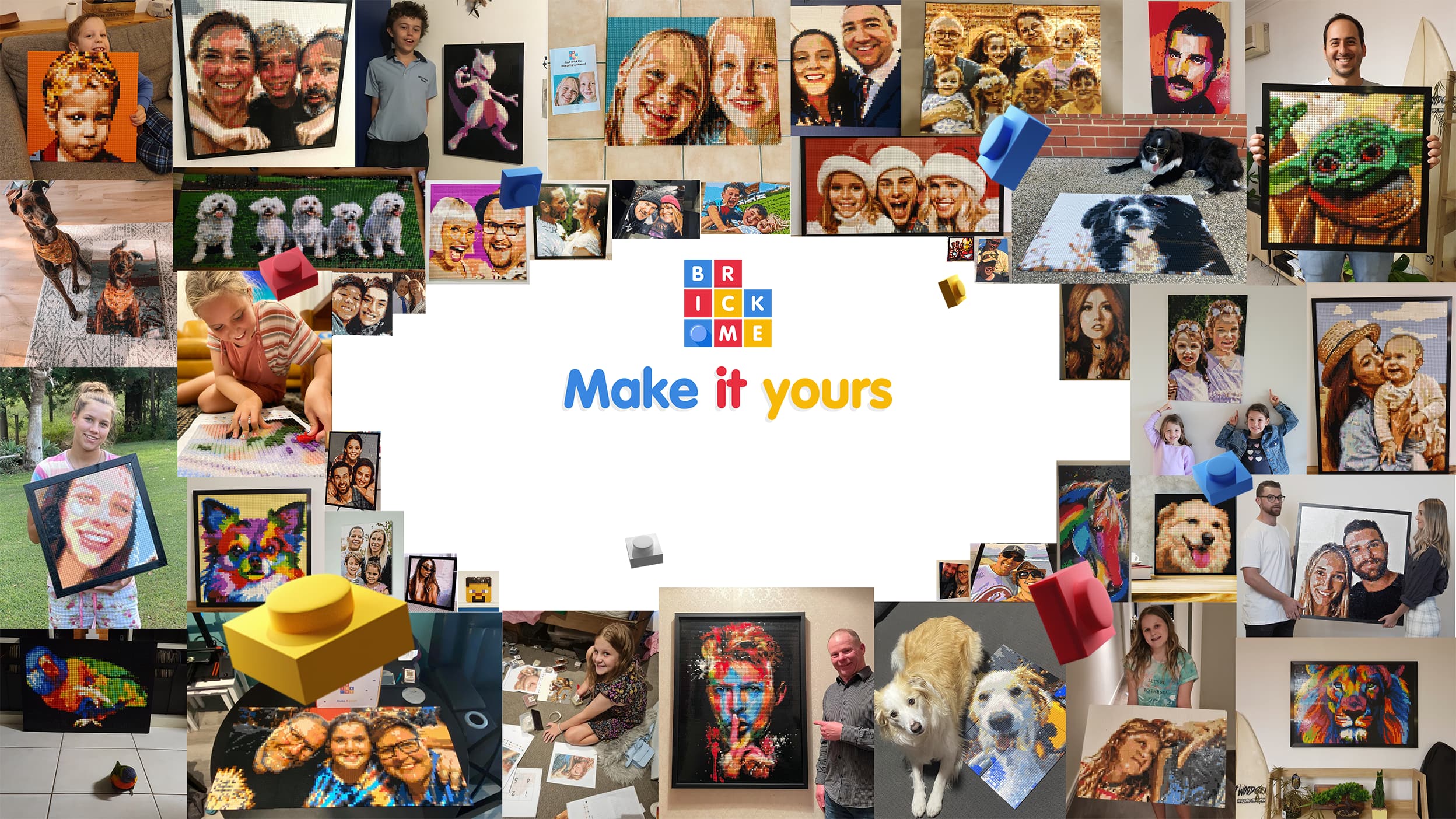
Turn Your Favourite Photos Into Brick Art You Can Build.
A creative, hands-on way to celebrate memories.
Couldn't load pickup availability
Share
-
Easy & Relaxing
No experience needed. Simply match and & follow the pattern. It's calming, creative fun for everyone, from first-timers to seasoned builders.
-
Reusable
Change your photo anytime. Rebuild new designs with the same kit.
-
Made For Gifting
Comes with everything needed. A perfect one-of-a-kind, unforgettable gift.
Customisable
-
Combine kits
Choose the perfect size and build it your way. Start small, or go big by combining multiple kits.
-
Add a splash of colors
Keep it slick in monochrome, or bring it to life in full color with our optional color add-on.
How it works
Your photo, transformed into a brick mosaic in a few easy steps:
- Scan the QR code to open the Pix-a-Pic Creator app
- Pick the size of your mosaic (or combine kits for a larger build)
- Upload and tweak your image just the way you like it.
- Follow the simple build-by-brick instructions to bring your masterpiece to life!
FAQ
What’s the difference between a Brick Me kit and a Pix-a-Pic kit?
Great question! Here’s the difference between a Brick Me kit and a Pix-a-Pic kit:
Brick Me Kit
- Designed from a full-colour photo you upload.
- Access to our Creator App, which allows you to create a custom mosaic using up to 50 colours and includes easy-to-use brick-mosaic editing tools.
- You receive all the bricks, baseplates, and printed instructions needed to build that exact design.
- Once it’s built, it becomes a permanent display piece (unless you choose to take it apart).
Pix-a-Pic Kit
- Uses 7 monochrome colours (black, white + 5 greys) by default.
- Includes a fixed number of baseplates.
- Comes with access to our Pix-a-Pic app, where you can upload any photo and instantly generate instructions that match the pieces in your kit.
- Can be rebuilt unlimited times — simply remove the bricks to create a new design.
- Multiple Pix-a-Pic boxes can be combined to expand the size of your build.
- And if you prefer color, Pix-a-Pic can be upgraded to a full-colour version using our app.
What's included in a Pix-a-Pic kit?
The kit includes the following:
- 4900 bricks (7 colours in bags of 700 pcs)
- 4 base plates
- Connectors
- Brick separator tool
- Display stand
- Instructions
How long does it take to build a Pix-a-Pic brick mosaic kit?
A single Pix-a-pic kit includes 4 baseplates, which combine to form your full brick mosaic. On average, each baseplate takes about 40–45 minutes to complete. The entire build (if using one Pix-a-Pic kit) typically takes around 3 hours. Of course, the more people you have helping, the faster it’ll come together!
Is there a minimum age to build a Pix-a-Pic brick mosaic?
While the recommended age is 14 and up, younger children can definitely join in with adult supervision. Building a Pix-a-Pic mosaic can be a fun and rewarding activity to do together! Just note that the small bricks are not suitable for children under 3 years old due to choking hazards.
What if I lose some parts while building my Pix-a-Pic?
We include spare bricks of every colour, but should you need additional ones because you lost some pieces, just reach out to us at pixapic@brick.me and we’ll help you out!
Are the photos I upload to the Pix-a-Pic app saved on your end?
Your images are uploaded to our server while you work on your design, but they are automatically deleted after your instructions are generated and emailed to you, or after you exit the app.
What happens if I don’t like the image?
Don't worry! You will be able to preview your design online before generating the instructions, and there's no limit to how many times you can generate a new set of instructions.
What can I do if I did not get an email with my instructions?
If you don’t see the email, be sure to check your spam or junk folder. If it’s still missing, try generating the instructions again — and if that doesn’t work, feel free to contact us at pixapic@brick.me and we’ll be happy to help!